Twitter Historical Data
Circleboom searches Twitter historical data and finds old tweets, hashtags, cashtags, and account mentions from any date range, ready to export

Circleboom : An Official Enterprise Developer
"Work with a trusted X Official Enterprise Developer to expand what's possible for your business. Each Official Enterprise Developer has been selected for the program after an extensive evaluation, and represents excellence, value, and trust." — X (Twitter)Circleboom Twitter Tool
Circleboom Twitter management tool provides account analytics, follower/friends insights, tools to check, fakes, spammers, inactive accounts, advanced account search and delete tweet services.

HISTORICAL TWEET SEARCH
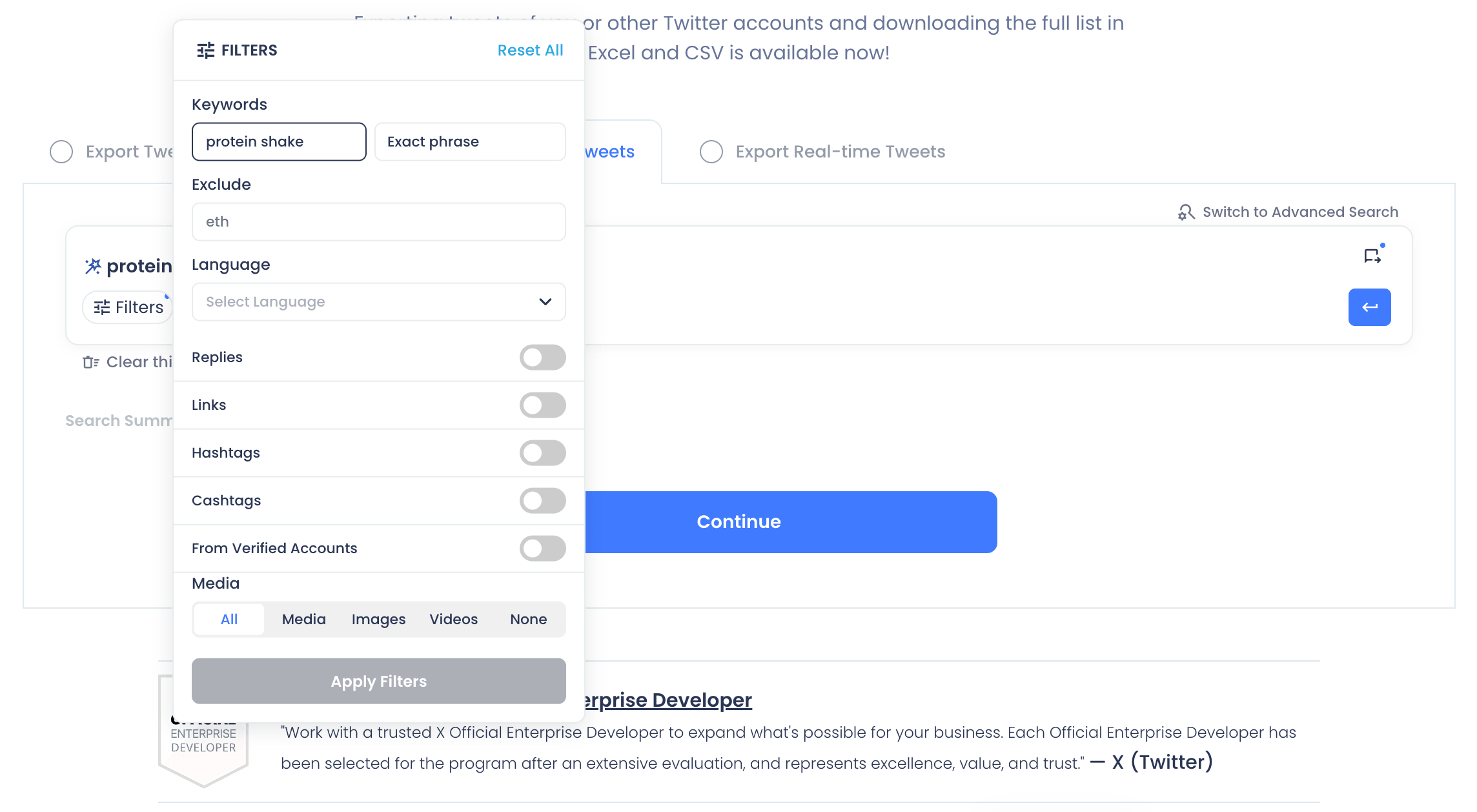
Historical Tweet Search is the engine behind this page. Describe the tweets you're looking for in your own words, refine the query with AI-suggested variations, and apply filters for keywords, hashtags, cashtags, language, replies, links, media type, and verified-only accounts. Every search returns two views of the same dataset: the matching tweets themselves, and the unique accounts that posted them.
That structure is what makes historical keyword data usable; instead of scrolling a feed, you get a sortable, filterable, exportable table built around exactly the term you searched.

CREATE HISTORICAL REPORTS
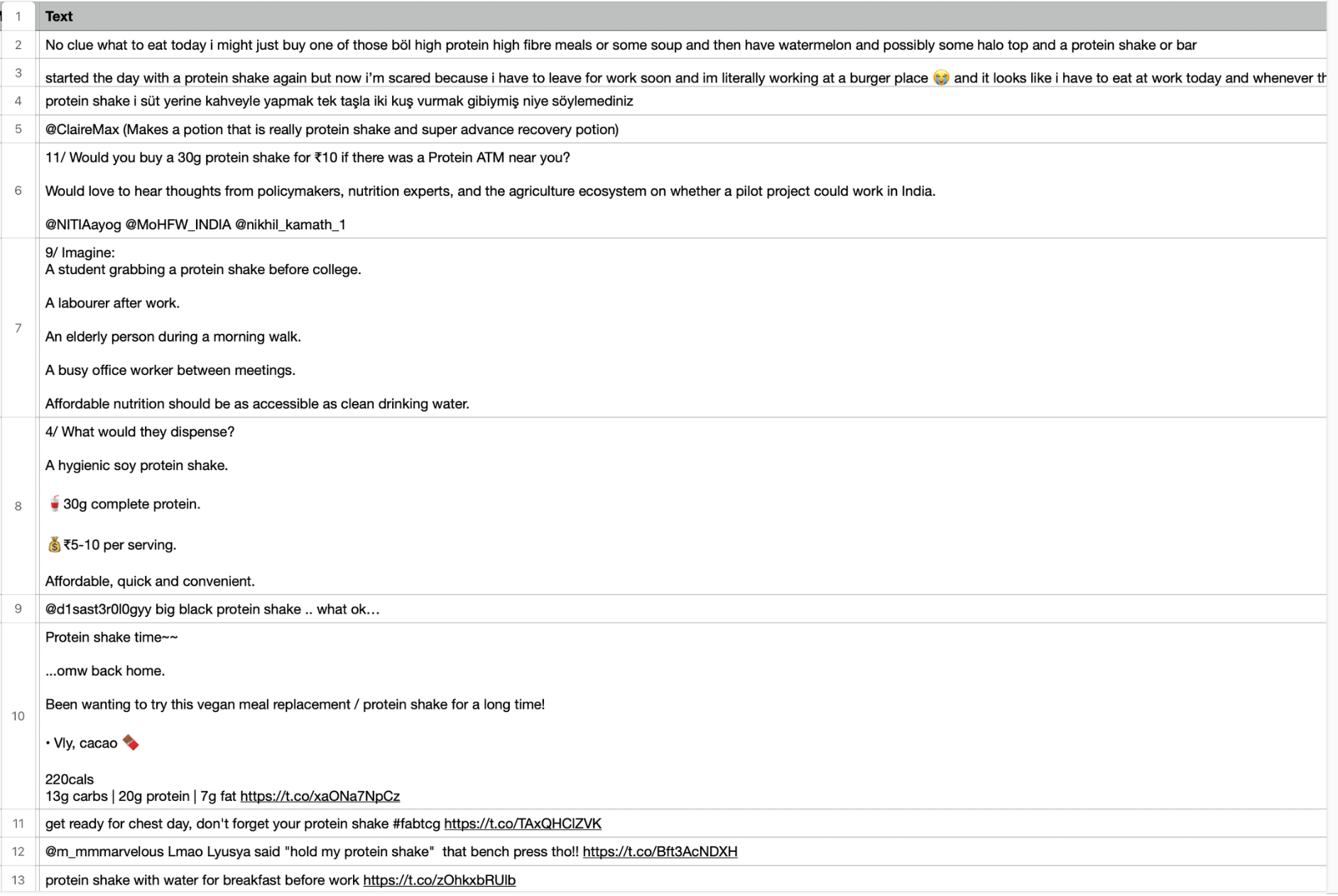
Search results and exports in Circleboom aren't locked behind the dashboard. Every tweet view and profile view from a Historical Tweet Search can be exported, combining post text, full engagement metrics, timestamps, and author details into one file, so you can create historical reports without rebuilding the dataset by hand.
That's how a single search becomes a Twitter Historical report you can hand to a client, manager, or research team: download CSV report files for spreadsheet work, or download Excel for a presentation-ready format. Either way, the data arrives structured and ready to use.

CAMPAIGN HASHTAG PERFORMANCE
Filter Historical Tweet Search by a campaign hashtag and a date range, and you get a complete record of how that campaign actually performed: every tweet that used the tag, with impressions, likes, retweets, quotes, and replies attached to each one.
This is the direct way to analyze post Twitter campaigns, instead of guessing at reach from a single dashboard number, you can see which posts drove the most engagement, who participated, and how activity moved across the campaign window. The same setup works to compare past post Twitter campaigns against a current one.

HISTORICAL HASHTAG DATA
The Hashtags filter inside Historical Tweet Search scopes a search to a single tag and a historical date range, returning historical hashtag data for every matching tweet plus the accounts that posted it.
This is how you download any hashtag or keyword as a structured dataset: set the tag, set the window — 30 days, 60 days, 90 days, last year, or custom — and export both the tweet-level results and the deduplicated account list as CSV for further analysis.

NO DATE LIMITS
X's native search effectively gives up after a few weeks. Historical Tweet Search doesn't: choose from preset windows — 30 days historical tweet data, 60 days historical tweet data, 90 days historical tweet data, or last 1 year historical tweet data — or set a custom date range that matches exactly the period you need.
There's no fixed cutoff that forces you back to "recent" results only. Whether the moment you're researching happened last month or last year, the same search flow, filters, and export options apply without modification.

MOST LIKED TWEETS
The same Engagement Metrics filters apply to likes. Set a minimum like count on a Historical Tweet Search query, and the results narrow to the posts that resonated most with readers during the period you've selected, the most liked tweets for that keyword, hashtag, or account.
Likes and retweets measure different things — appreciation versus willingness to share — so running the same historical search filtered by each metric separately shows you which posts were popular versus which ones actually traveled further.
HISTORICAL TWEET DATA WITH NO LIMITS
A Historical Tweet Search export isn't a sample; it's the full result set. Every export includes raw Twitter data for each matching post: full text, timestamps, language, and complete engagement metadata (impressions, likes, retweets, quotes, bookmarks, replies), alongside the profile data of every account behind it.
Need tweets sent by one account specifically? Export Tweets pulls up to that account's most recent 3,200 posts — content and performance metrics together — as a single CSV. Between historical search and account-level export, you can download datasets, download the complete list of tweets for a topic, and learn how to download tweets without manual scrolling or copy-paste.

SEARCH TWITTER HISTORY
X's own search bar effectively forgets anything older than a few weeks. Search Twitter history with Circleboom instead, and a query you run today can pull matching tweets from months — or years — back, complete with the engagement data attached at the time each tweet was posted.
Type what you're looking for in plain language, choose how far back to go, and Circleboom retrieves Historical tweets from its archive rather than a live feed. The result is a structured list you can filter, sort, switch to an account view, or export, not a dead end where X's search gives up.

FIND OLD TWEETS
How to find old tweets that X's own search has stopped surfacing? Set your keywords or topic, choose a date range that covers the period you care about, and Historical Tweet Search retrieves the matching posts from its archive, each one returned with impression, like, retweet, quote, bookmark, and reply counts.
Whether you're chasing down Historical tweets about a brand, a launch, or a single conversation from last year, the search returns a record you can review, filter, and export, not a scroll that runs out of results.

SOCIAL MEDIA COVERAGE
A Historical Tweet Search keyword isn't limited to hashtags — it matches plain text, usernames, and phrases anywhere in a tweet, which makes it a complete social media coverage tool for a brand, product, or topic. Set the term and the historical window, and every matching post — tagged or not — comes back in the results.
This is also how you surface historical mentions of an account: run the search on a brand or competitor name, switch to the profile view, and analyze all this Twitter historical data, every account that mentioned them during the period you specified, in one exportable list.

TRACK HISTORICAL CONVERSATION
Some conversations matter most after the fact, a controversy, a launch reaction, an industry debate that's since cooled down. Historical Tweet Search lets you reconstruct a conversation as it existed at a specific point in the past: set the keyword or topic, scope the date range to the period it happened, and collect every matching tweet from that window.
The output covers both sides of the conversation — the tweet view, showing posts in order, and the profile view, showing every account that took part — so you can follow how the discussion actually developed.

HISTORICAL CASHTAG DATA
The same filter set that covers hashtags also covers cashtags, the $TICKER-style symbols used to discuss stocks, crypto, and other assets on X. Apply the Cashtags filter inside Historical Tweet Search, set a date range, and Circleboom retrieves every matching historical post.
That makes historical cashtag data accessible for finance, crypto, and market-research use cases: see how a ticker was discussed during a specific earnings period, price swing, or product launch, then export the results for sentiment review or reporting.

MOST RETWEETED TWEETS
Engagement Metrics filters inside Historical Tweet Search let you set a minimum retweet count, narrowing a broad historical search down to only the posts that actually spread. Combine that with a keyword, hashtag, or cashtag and a date range, and the result is a ranked view of the most retweeted tweets on that topic during that period.
This is the fastest way to separate signal from noise in a large historical dataset, instead of reading through hundreds of low-engagement posts, you go straight to what people actually amplified.

FIND TOP INFLUENCERS
Every Historical Tweet Search returns a profile view: the deduplicated list of accounts behind the matching tweets, each one classified into an engagement tier and filterable by follower count. Apply a follower-count minimum and an engagement filter to that view, and a tweet search becomes a way to find top influencers who have actually been discussing your topic, hashtag, or cashtag during the period you set.
Because these accounts are surfaced by what they posted — not just their bio — they make a stronger outreach or partnership shortlist than a generic influencer search.

CIRCLEBOOM IS AN OFFICIAL X ENTERPRISE DEVELOPER
Circleboom is an official X Enterprise developer tool. Therefore, when you use Circleboom services and connect your X account, you are totally safe. You will enjoy tools and services that are not available even in the native X dashboard.
Twitter Historical Data
Circleboom helps you search Twitter history, find old tweets, and download historical hashtag, cashtag, and keyword data as CSV reports.
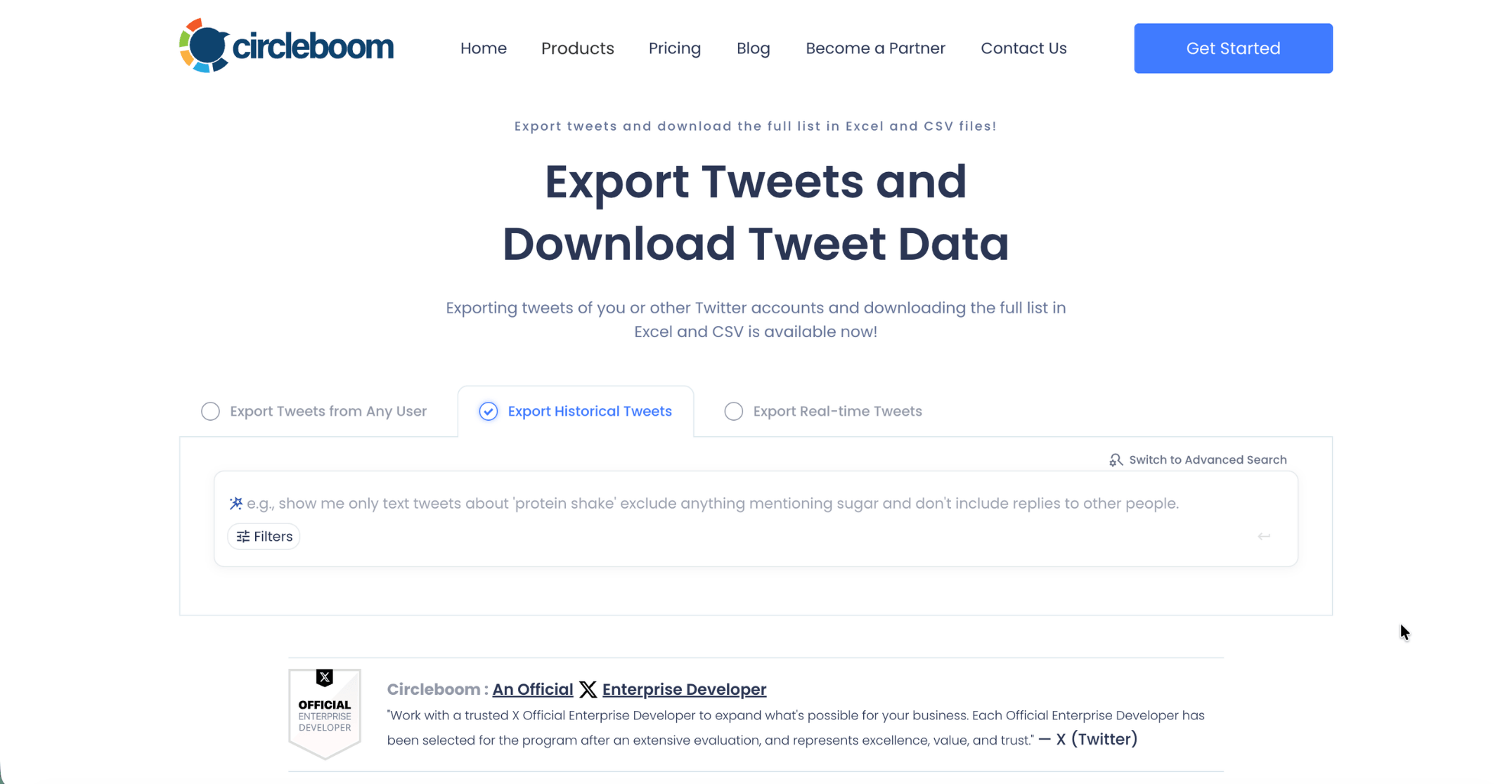
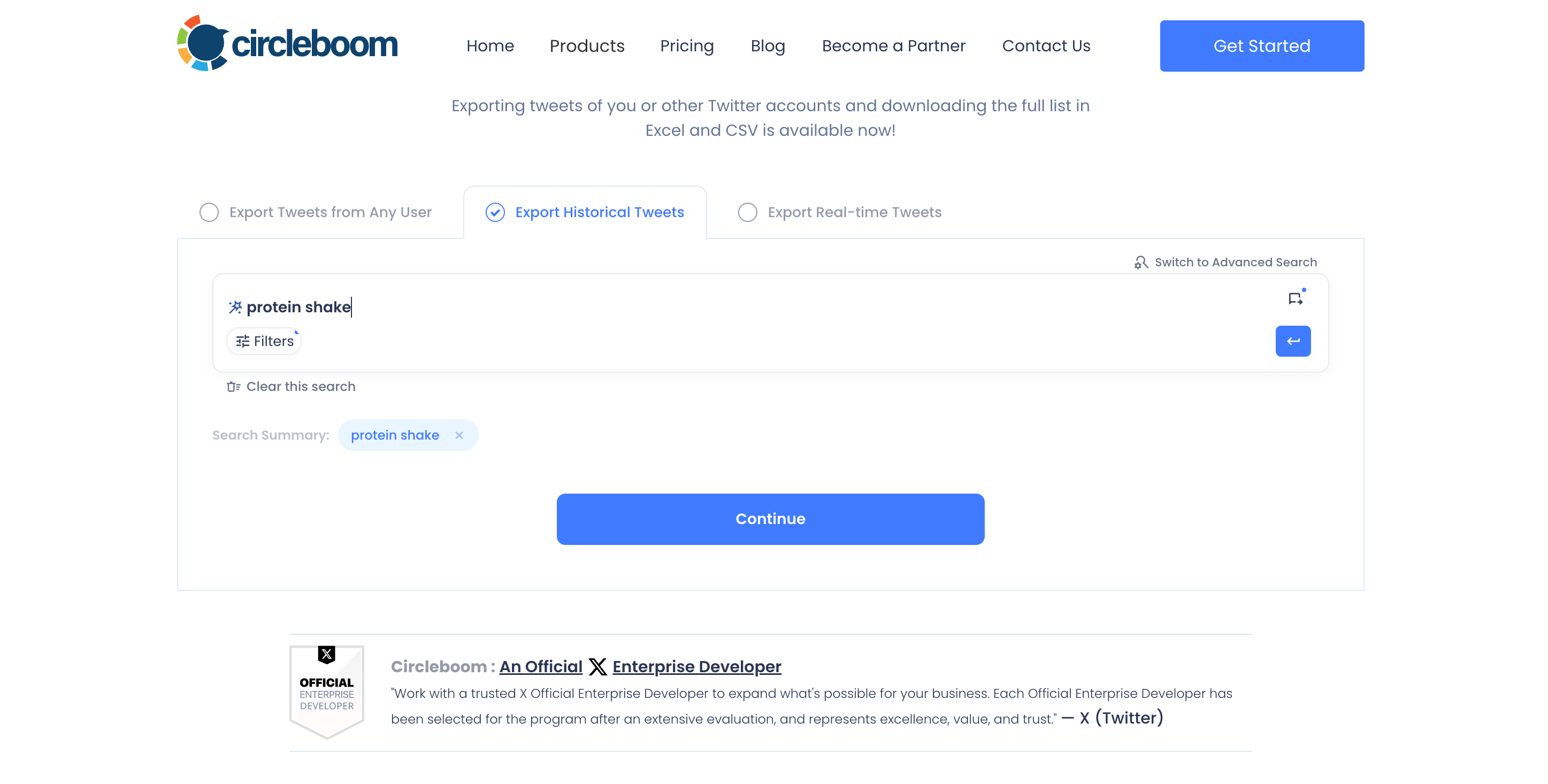
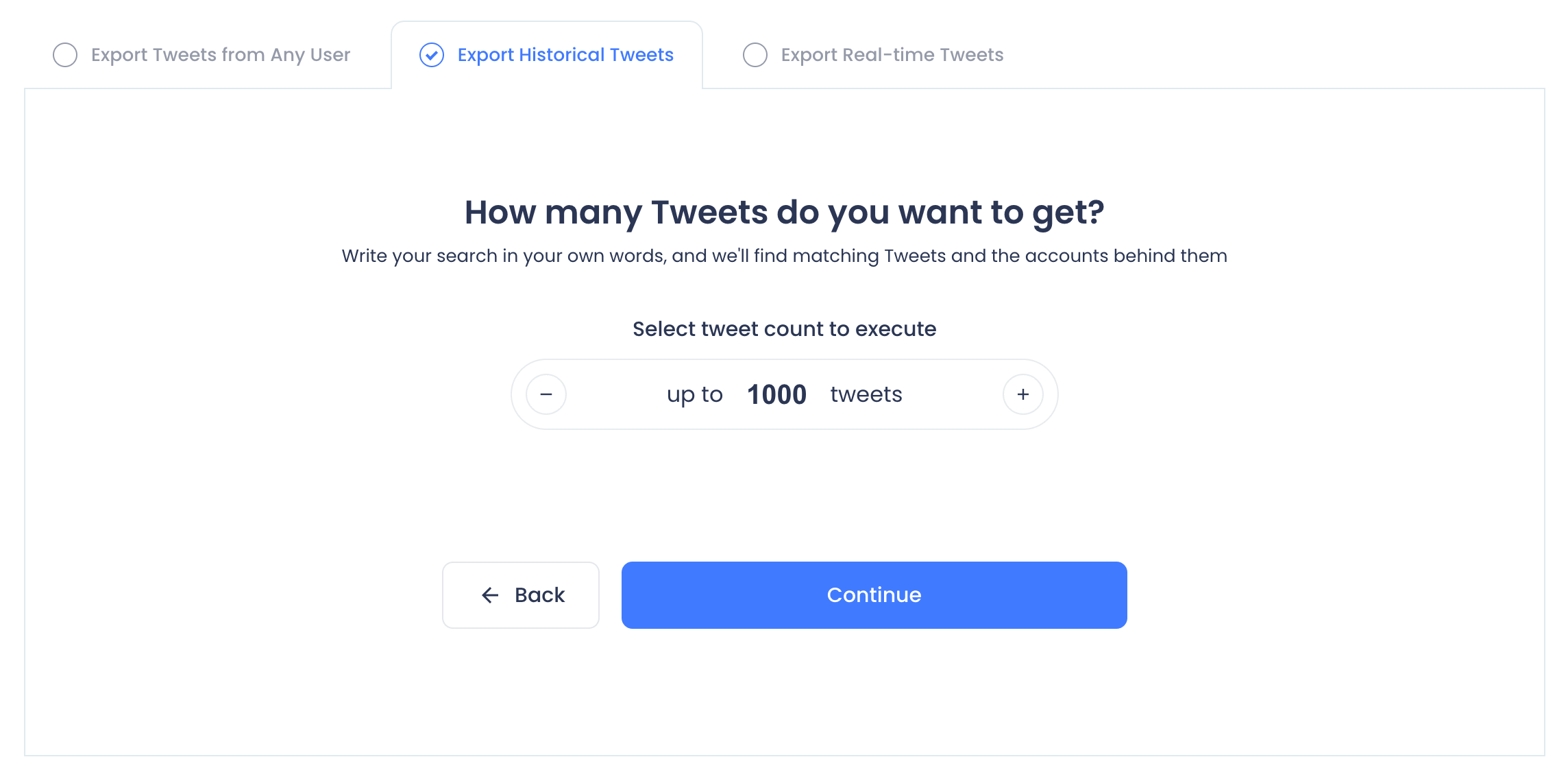
Go to Export Historical Tweets page and write your keyword hashtag or cashtag.
Thanks to Circleboom's AI integration, you will find helpful AI suggestions to make your results more correct.
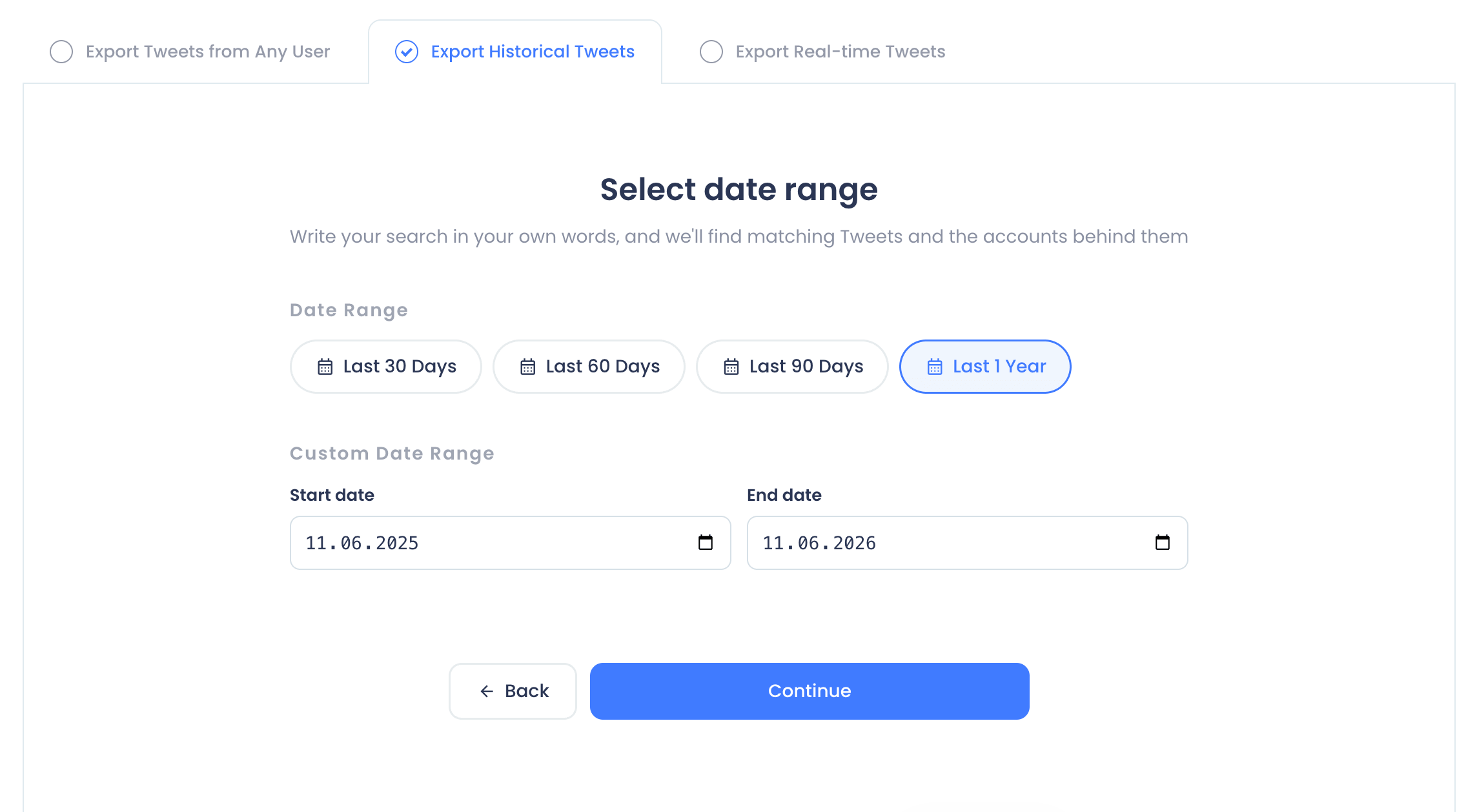
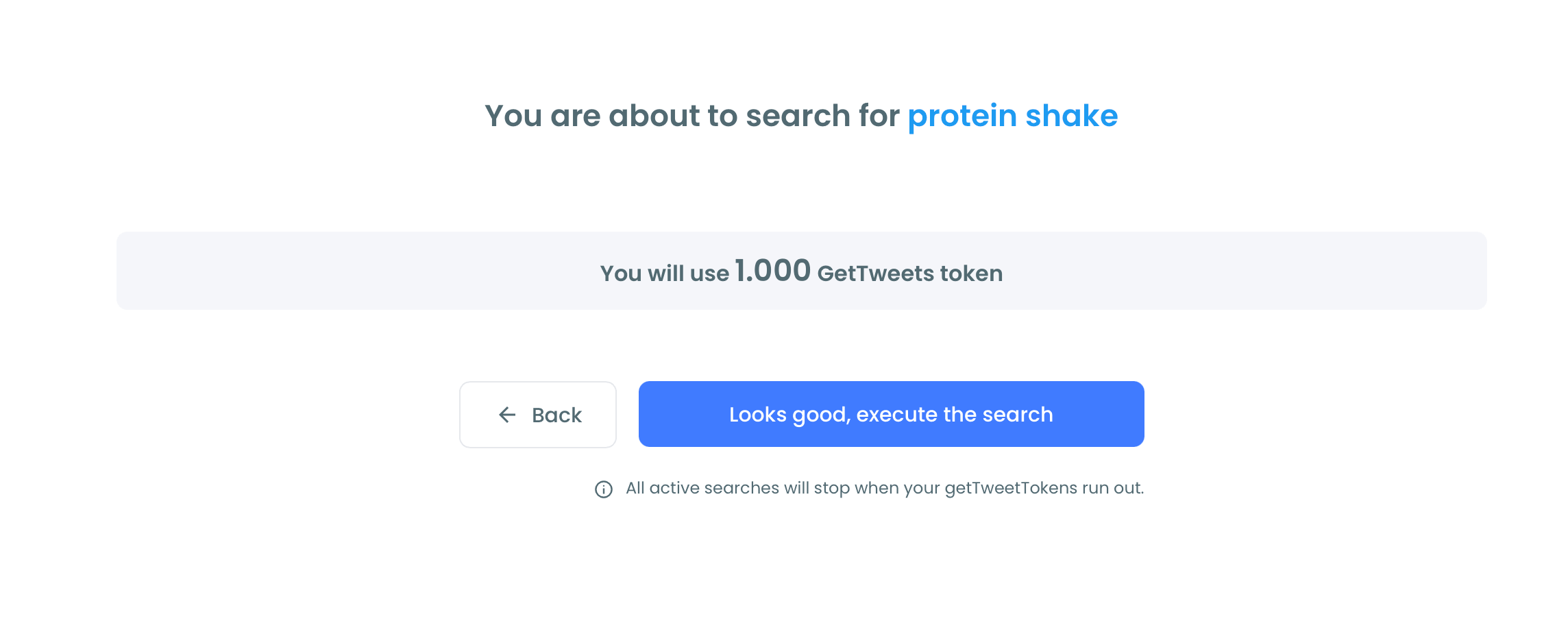
The next step is to define the date range.
You can select pre-set dates or custom a range.
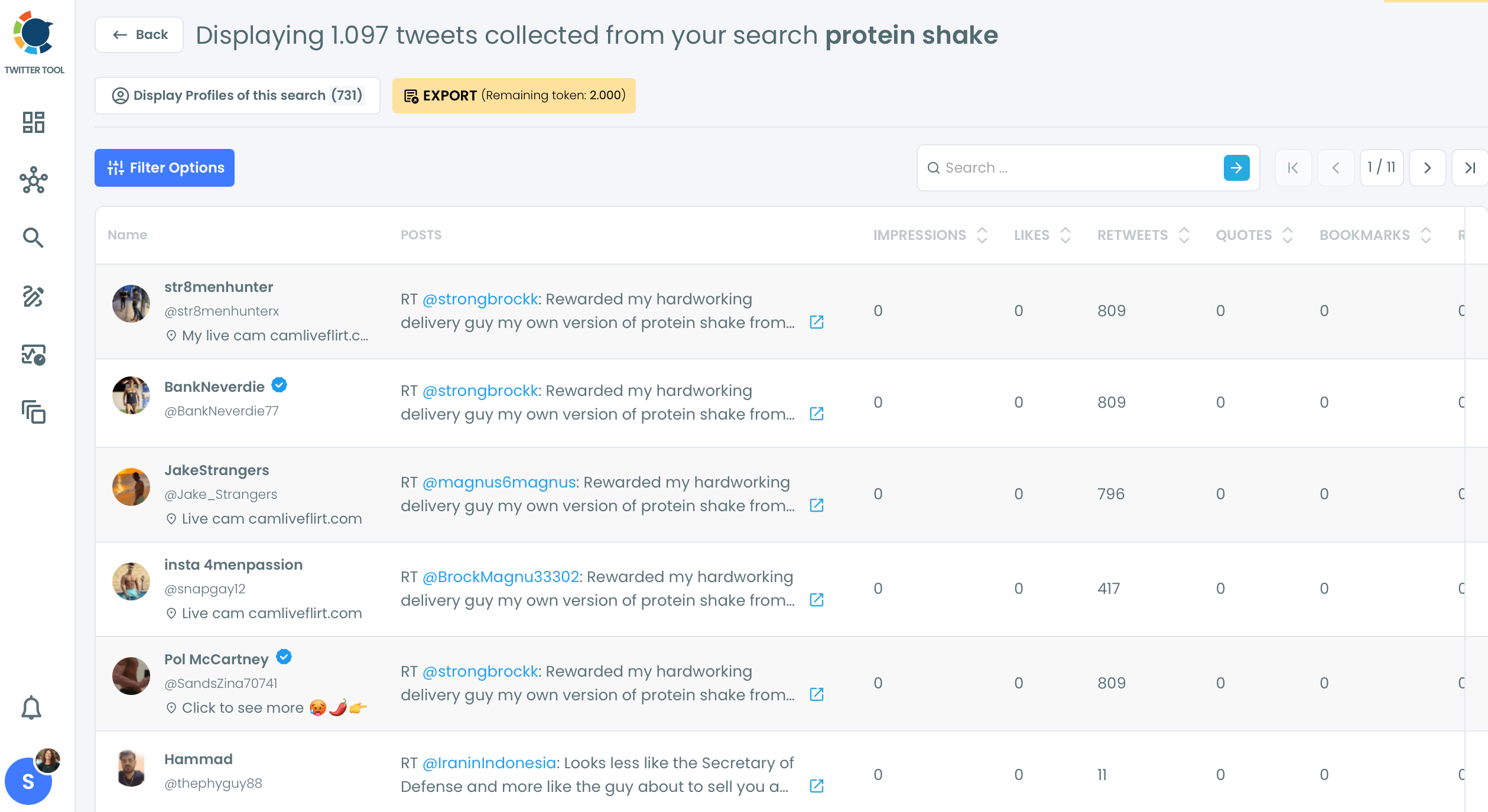
Your historical tweets are ready.
You can view them, sort them by most retweeted tweets, most liked tweets and with many more options.
FAQs (Frequently Asked Questions)
Do you want to have a new, cleaner appearance on Twitter? If so, maybe you should consider deleting your tweets, deleting retweets, or removing your old Twitter likes!